JobHawk works in ChatGPT
Tell ChatGPT to track the job you just applied for. JobHawk saves it and shows your pipeline in the chat.
Add JobHawk in ChatGPTFree account on your first save.
What it looks like in the chat
You ask in your own words. JobHawk answers with a card you can act on.
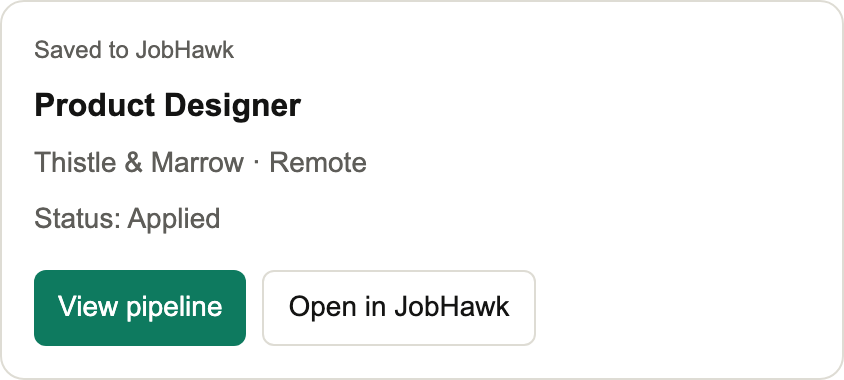
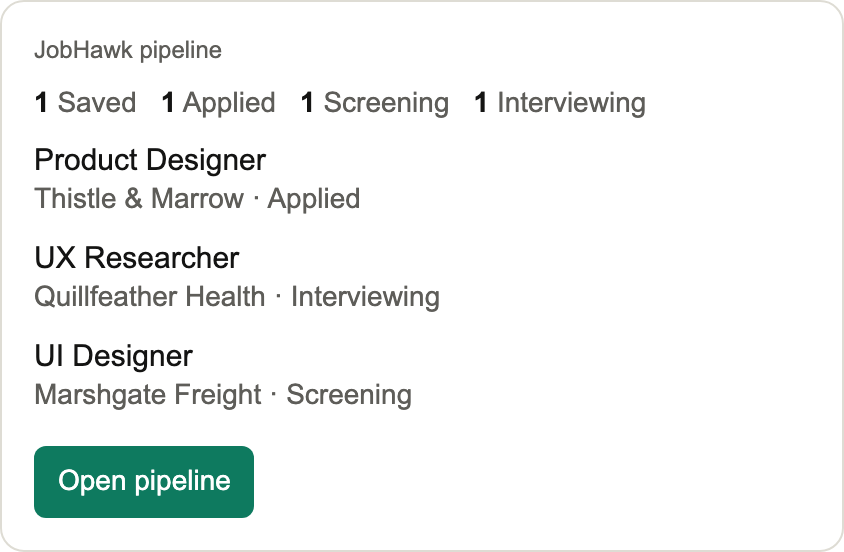
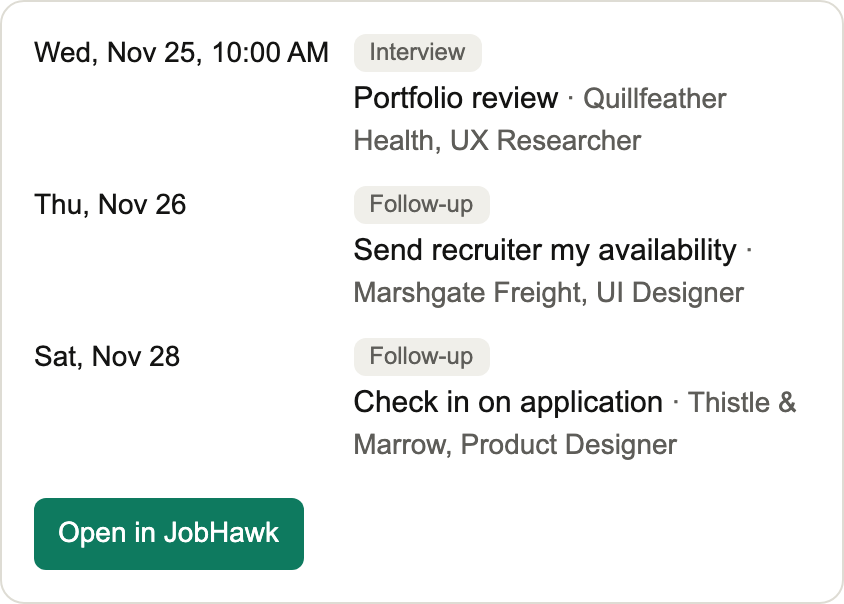
Example data. The employers shown are made up.
What you can do from the chat
- Save jobs from the chat
- See your applications by status
- Update an application's status
- Add dated notes to applications
- See upcoming interviews and follow-ups
How connecting works
Until you connect a JobHawk account, a save shows you a preview and stores nothing. Connecting opens a JobHawk sign-in page, where you sign in or, if you're new, create a free JobHawk account. After that, everything you save in the chat also shows up in JobHawk on the web.
We never receive your conversation. A save or an update sends us just the fields it needs. Our privacy policy has the details.
What it can't do
JobHawk saves what ChatGPT passes along from your message. It doesn't open or read the posting page, so if you share just a link, ChatGPT will ask you for the job title and company. It can't delete applications, apply to jobs on your behalf, or search job listings. Interviews and follow-up reminders are added in the JobHawk web app; in the chat you can see them but not create them.
Rather start on the web?
The web app is the same tracker, and it's where you add interviews and follow-up reminders.
Use JobHawk on the web